Sentra Legal
Menu

Practice management for lawyers

From time well spent to invoice sent.

Built together with lawyers who have decades of experience. Every screen is there because it is useful in practice: the essentials are in, the rest is left out. A solid base for a custom solution for your firm.

From €30 per user per month, excl. VAT. 14 days free, no card needed.Prefer a guided start? We set it up for you.

Time recording

Your day at a glance, every minute on the right matter.

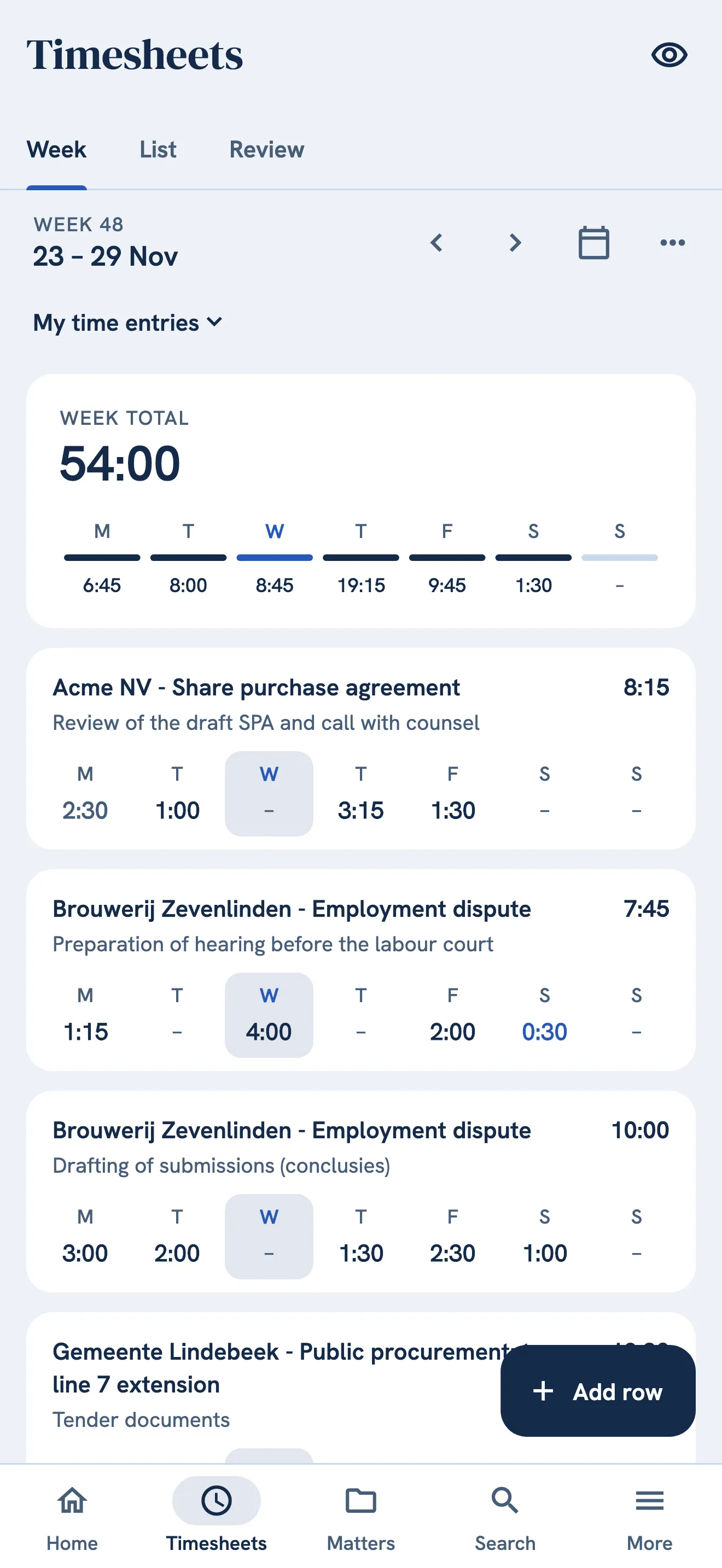
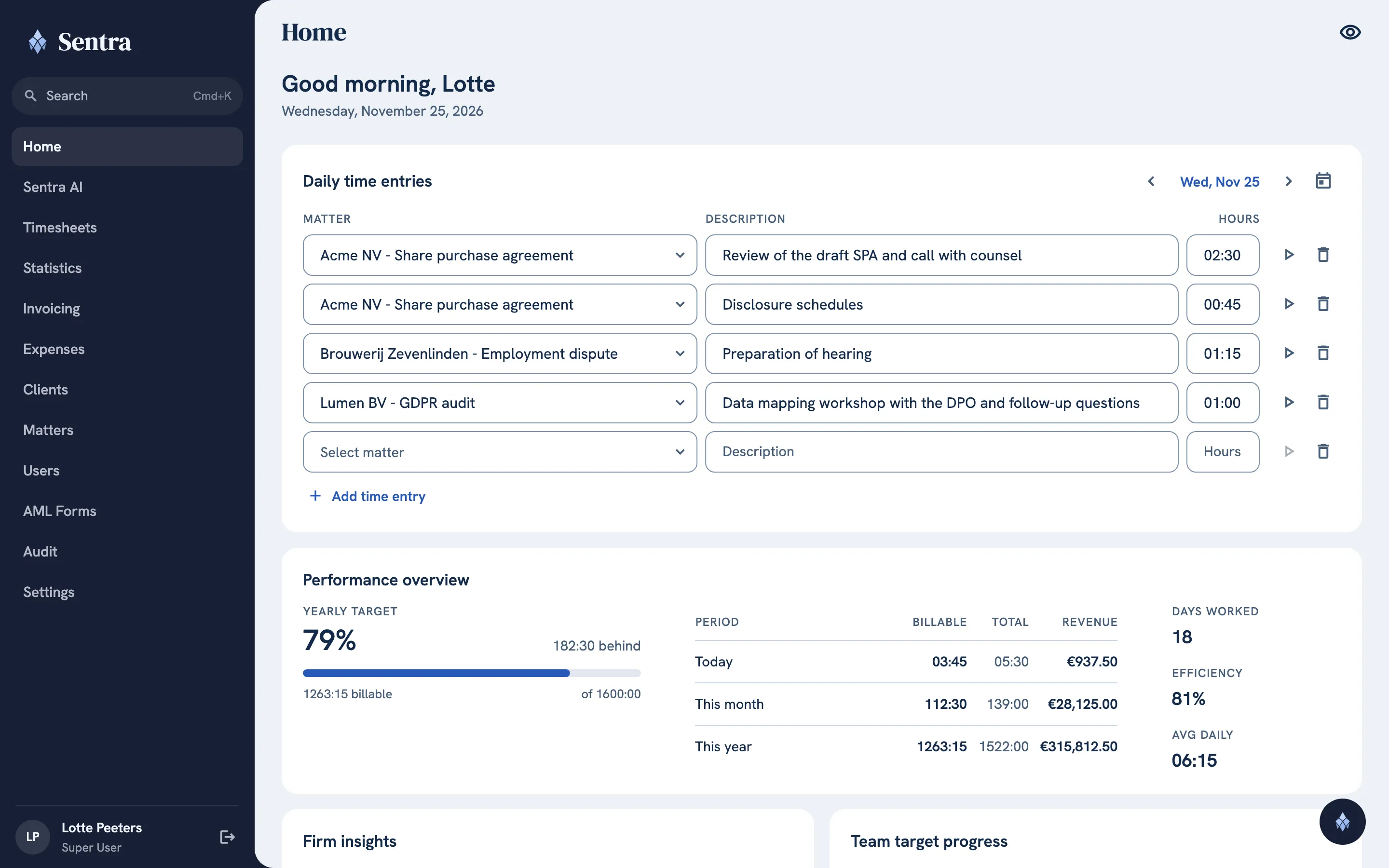
Start a timer on a matter or enter hours by hand. Home shows today’s entries, your totals for the day and the month, and how far you are towards your yearly target.

  • Timers and manual entries, for any day
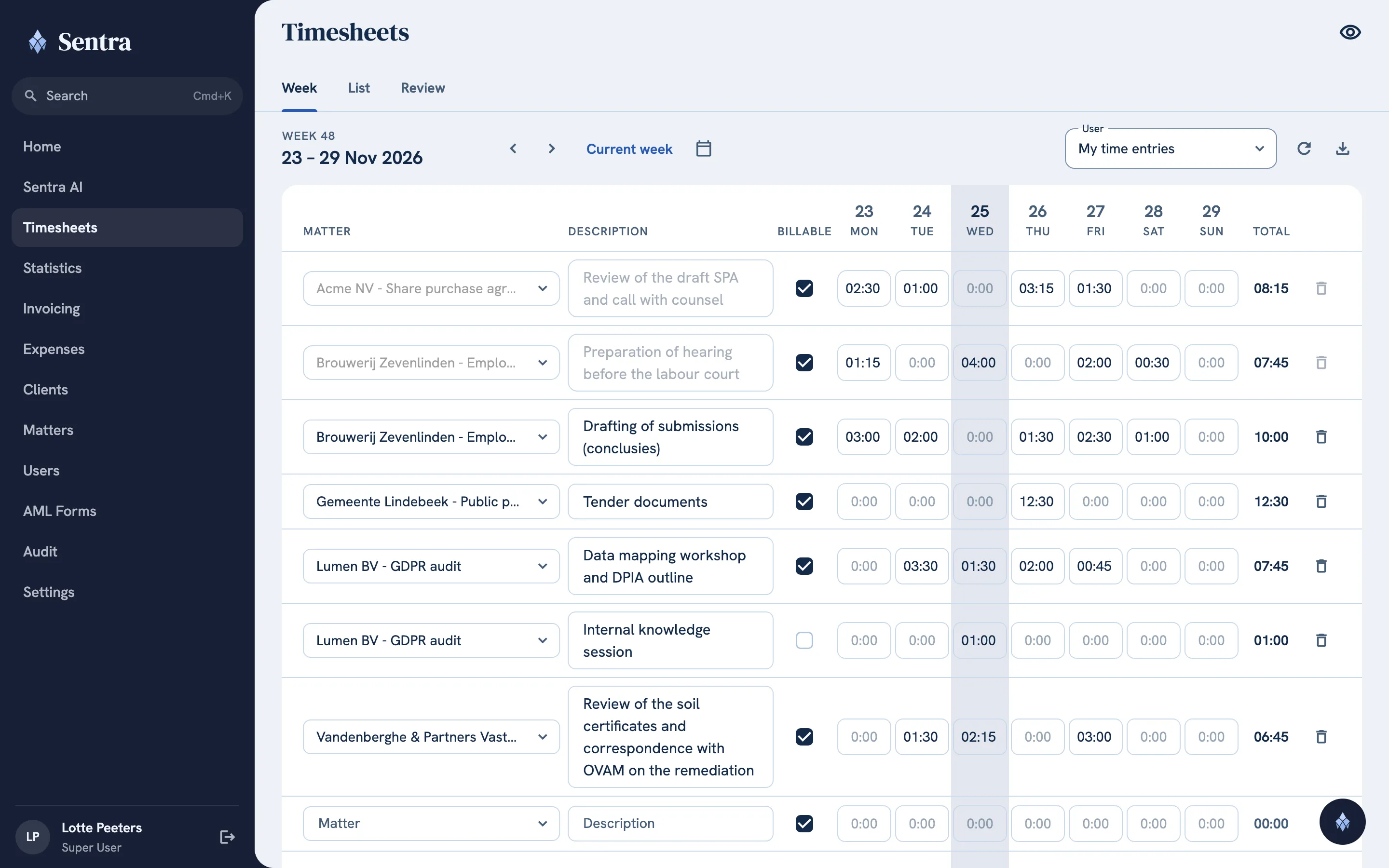
  • A week grid, a list with filters and a review per matter before invoicing
  • The same data on the web, your computer and your phone
More about this
The week of time entries in Sentra Legal

Automatic time capture

Forgot to start a timer? Your day is still there.

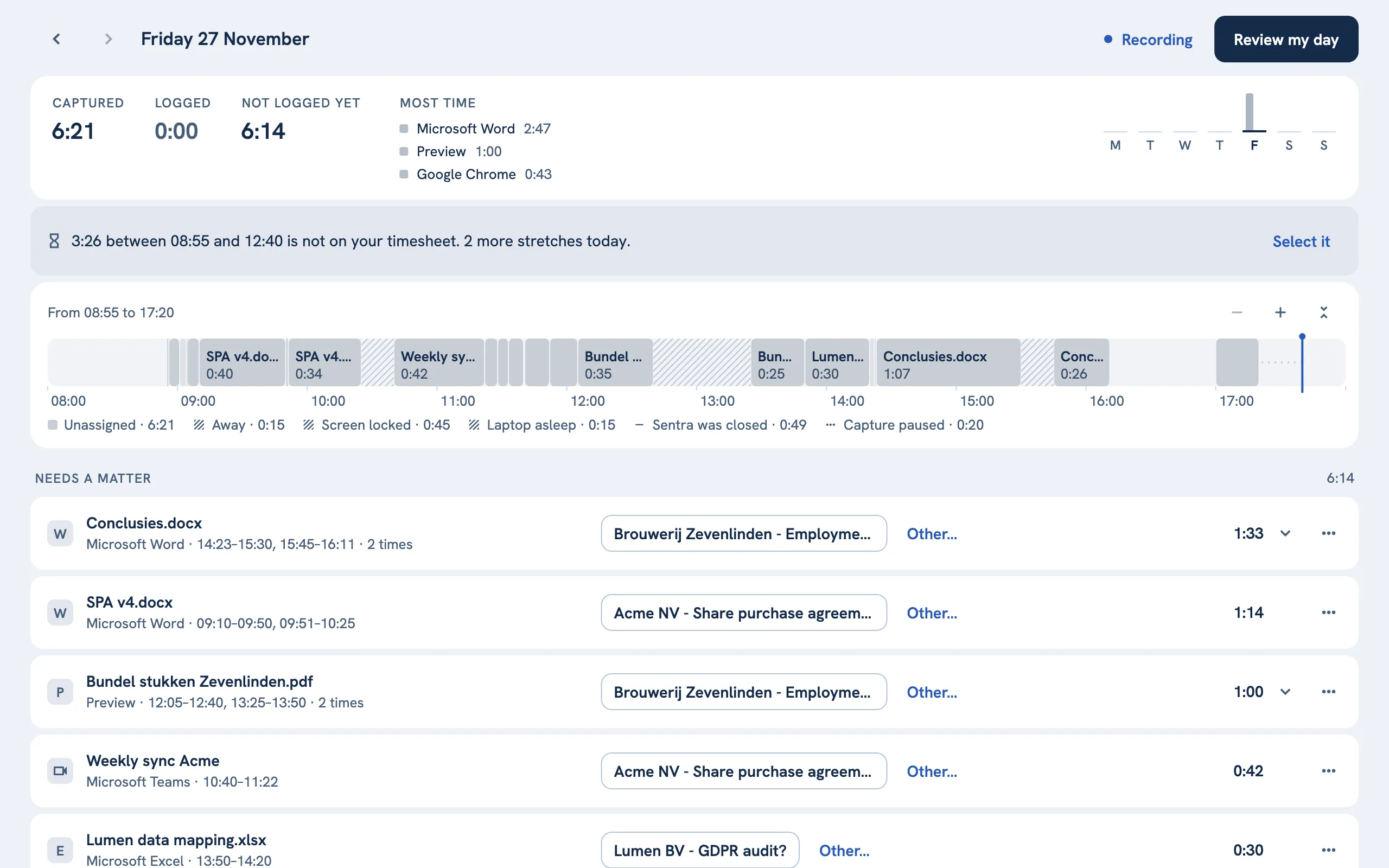
Turn it on and the desktop app keeps a timeline of the apps, documents and websites you work in, and suggests time entries for the right matter. It stays off until you turn it on yourself.

  • The timeline stays encrypted on your laptop and never reaches our servers
  • No screenshots, no keystrokes, no contents of documents or e-mails
  • Only the entries you approve go onto your timesheet. Nobody at your firm sees the timeline
More about this
The Captured tab: the timeline of a working day with suggested matters

Invoicing

From recorded time to a Peppol e-invoice.

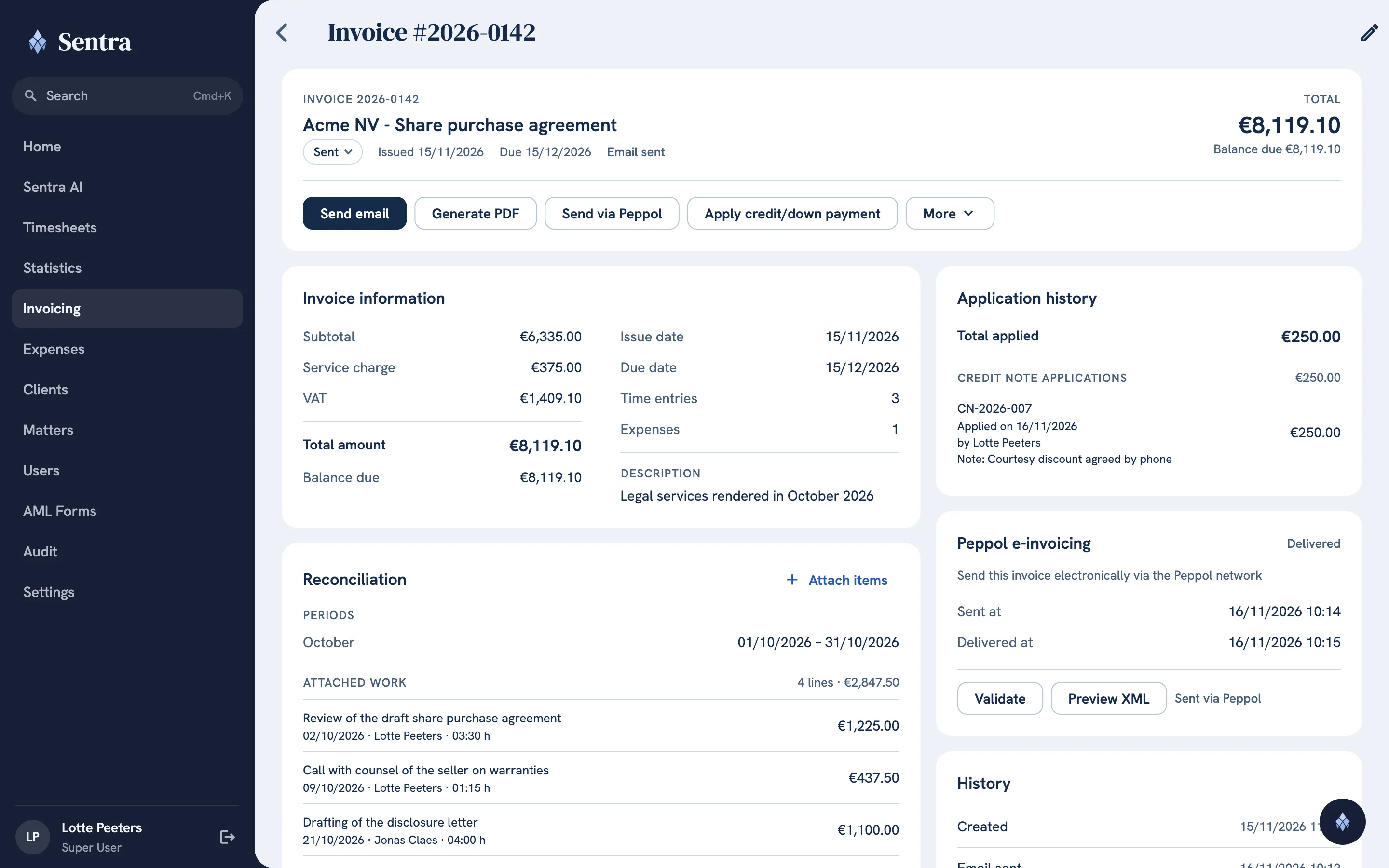
Create invoices from time and costs, or on their own, as well as credit notes and advance invoices. Send them by e-mail from your firm’s own mailbox, or as e-invoices over Peppol.

  • Generate the PDF and follow what is draft, sent, paid or overdue
  • Peppol e-invoices for clients who receive them on the Peppol network
  • Costs per matter, ready to invoice
More about this
An invoice in Sentra Legal with the buttons to send it by e-mail or over Peppol

Statistics

See how the practice is doing.

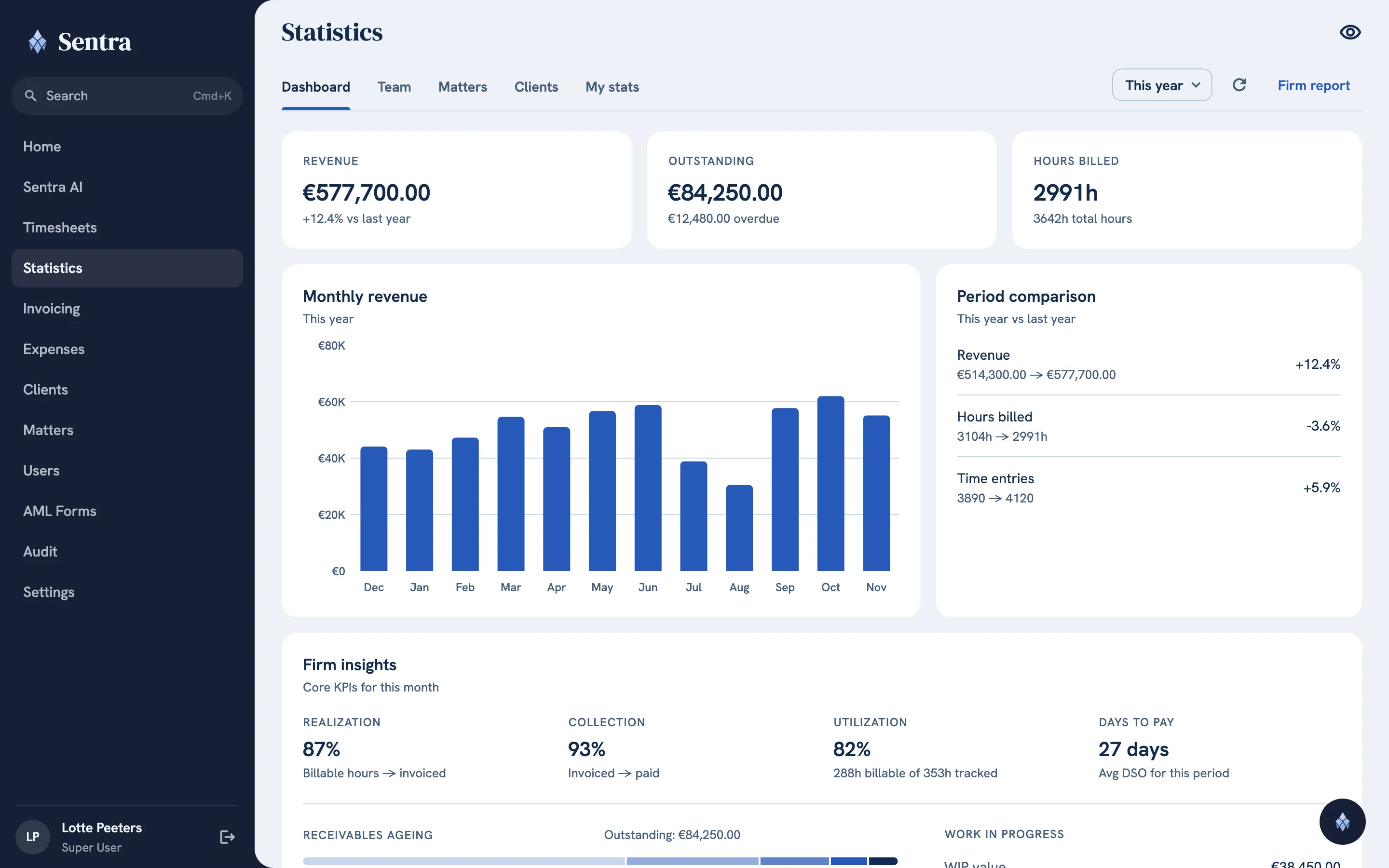
Revenue, outstanding amounts, billed hours and monthly trends, by team member, matter and client. Everyone sees their own figures against their own target; what else they see depends on their role.

More about this
The statistics dashboard with revenue, outstanding amounts and billed hours

On your phone

Record time between two hearings.

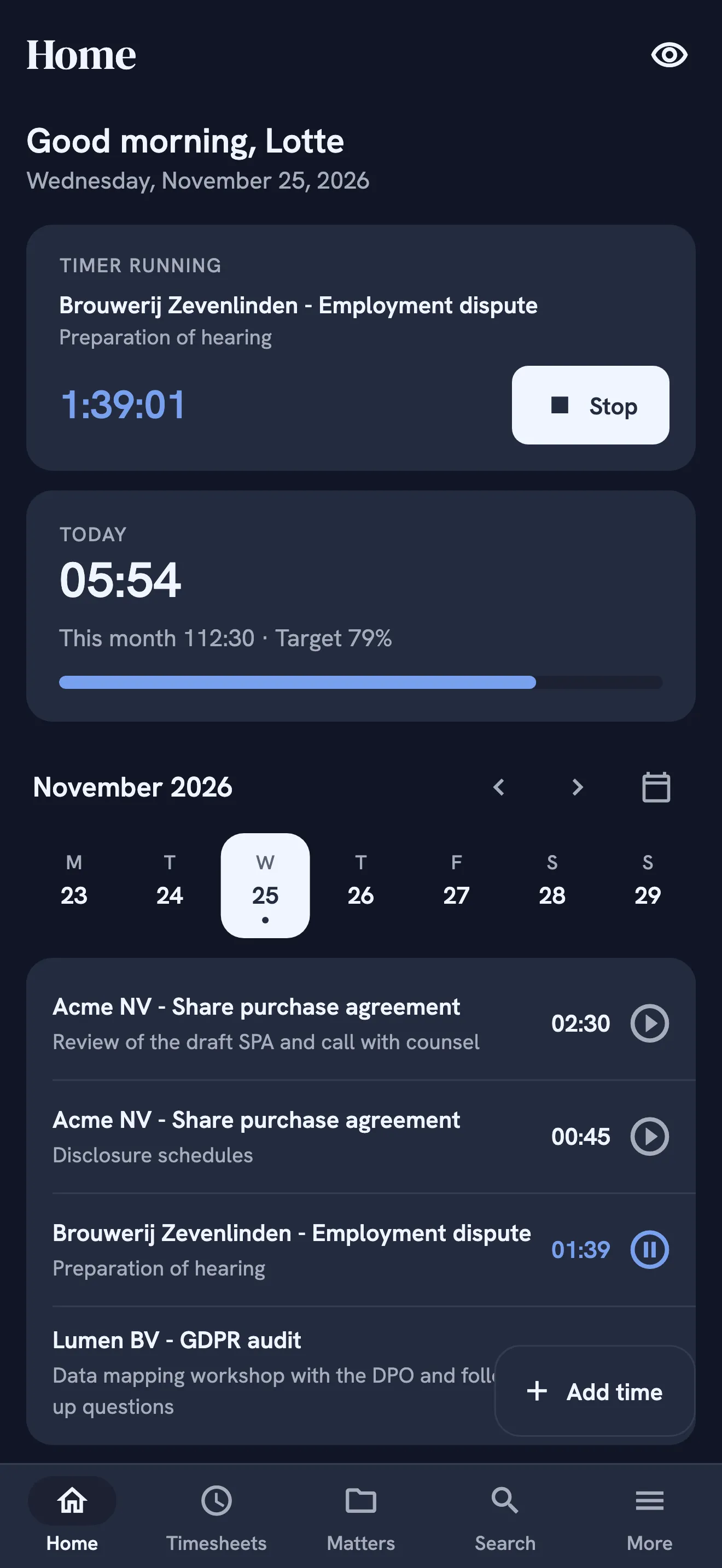
With the apps for Android and iPhone you record time with a timer or by hand, see your day and week, and keep matters and invoices at hand.

More about this
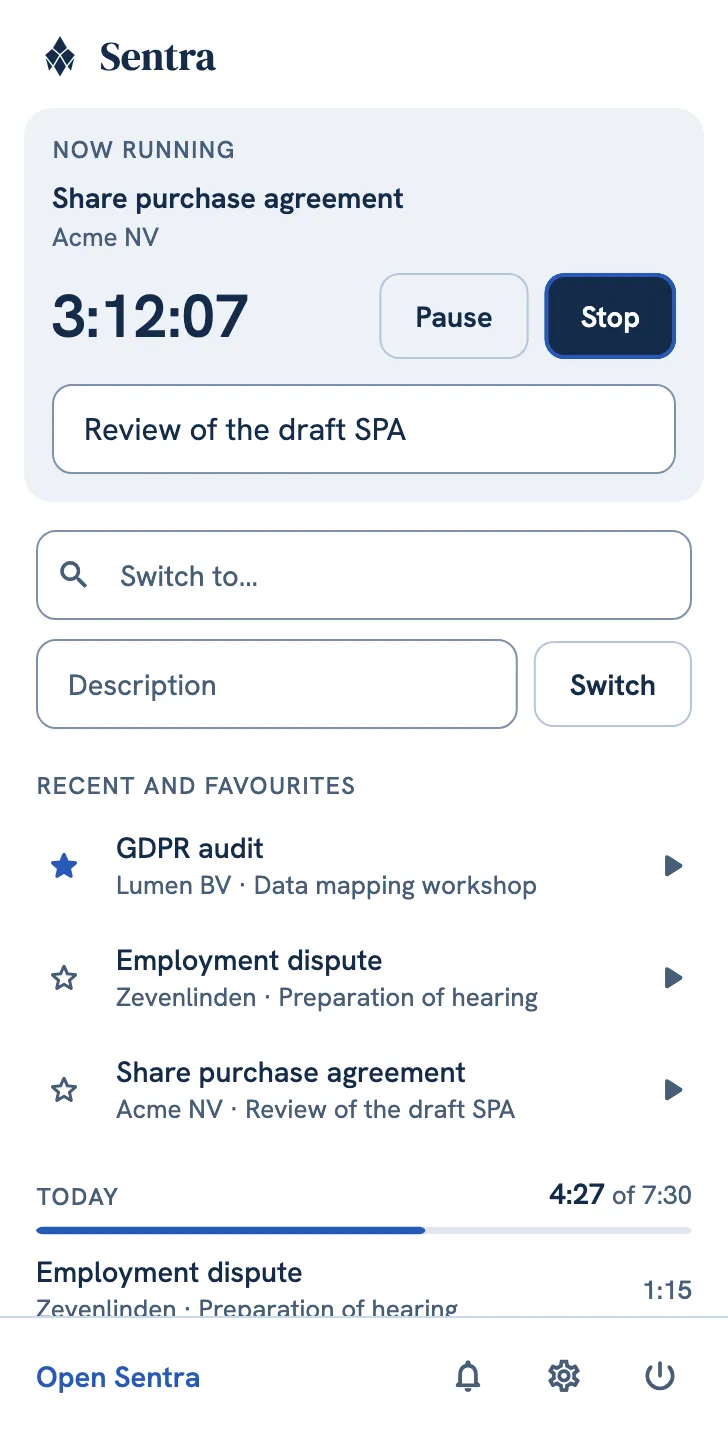
Sentra Legal on an iPhone: the home screen and a running timer in dark mode

And everything around it.

Matters and clients

Budgets, phases, billing rates and fee sharing per matter, with the clients behind them and their costs.

AML forms

Clients fill in their identification form themselves through a link you send them.

Sentra AI

Ask about your clients, matters, time entries and invoices, or have the assistant record time for you. It only sees what you are allowed to see.

Search

Find any client, matter or time entry from one search box (Cmd+K or Ctrl+K). The search runs on our own servers in Belgium.

Roles and audit log

Administrators decide who sees what, and every change is kept in an audit log.

In your firm’s colours

Light and dark mode, in your firm’s own colour.

Built and hosted in Belgium.

Sentra Legal is made by Sentra, a cybersecurity company in Leuven. The application and the database run on our own servers in Belgium.

Our own servers in Belgium

The application, the database, the search and its language model, error reporting and backups run on our own servers in Belgium.

Two-factor sign-in

Protect every account with an authenticator app, with backup codes.

Strict separation between firms

Each firm’s data is strictly separated, and within the firm, access follows the roles you assign.

An audit log

Who created, changed or deleted what, and when, for your firm’s administrators.

Read the privacy policy

Common questions

Do I need a card for the trial?

No. You create your firm’s account with your e-mail address and can start straight away.

What is the difference between Standard and AI Pro?

Both include everything in Sentra Legal. AI Pro allows far more use of the AI assistant and comes with a setup tailored to your firm and personal guidance. Contact us for a proposal.

Can you move our data across from our current tool?

Yes, as part of our custom service. Tell us which tool you use now; we look at what it can export and agree with you what moves across.

Where is our data kept?

The application and the database run on our own servers in Belgium. The privacy policy lists every service provider and where it processes data.

Which language is the app in?

The app itself is in English for now. This website, sign-up and our support are in Dutch, French and English.

Try Sentra Legal free for 14 days.

Create your firm’s account in a few minutes. You do not need a card.